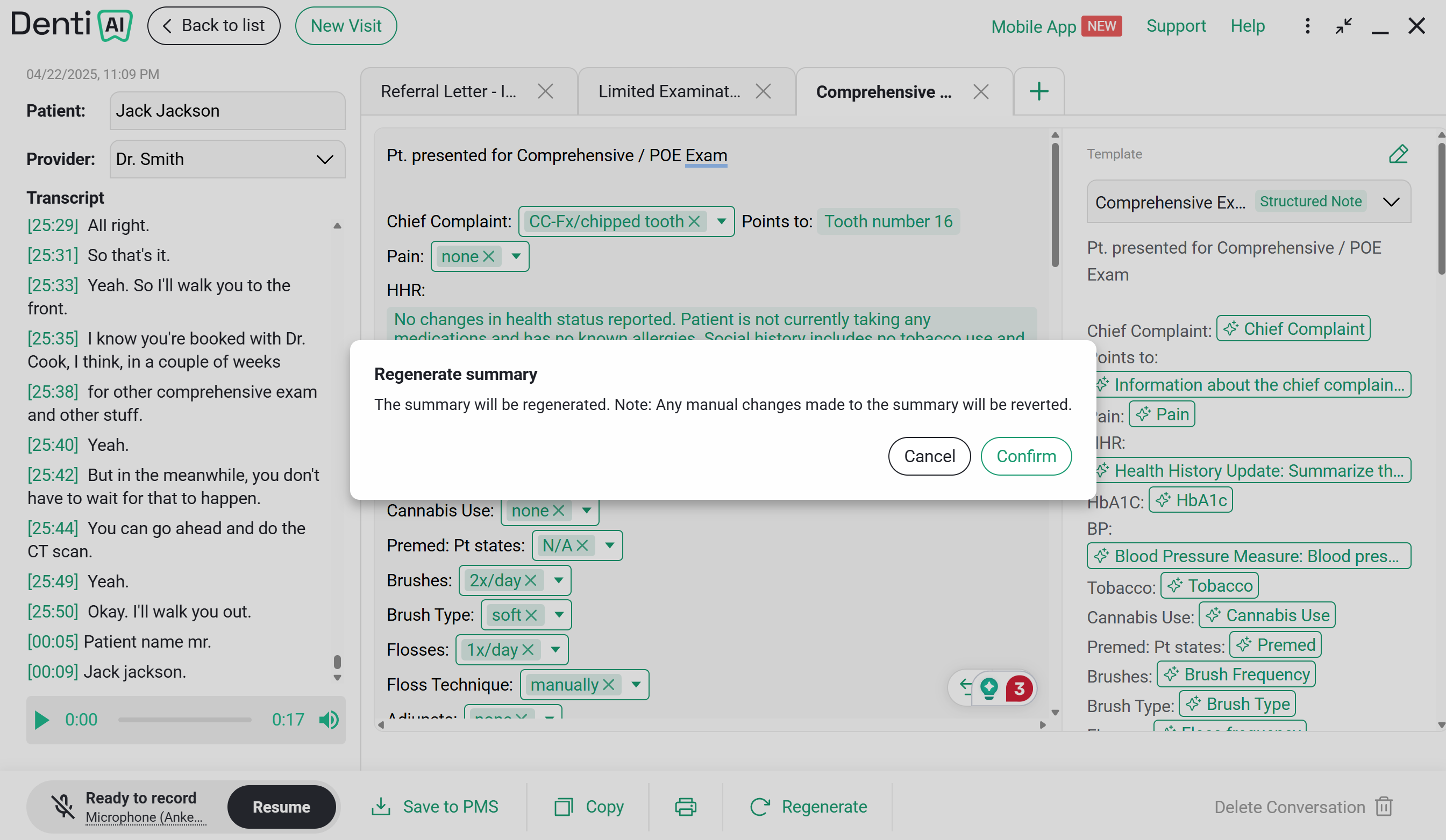
When To Use Regenerate
- You make edits in the transcript
- You want to reformat the note for style or clarity
If you press the regenerate button, all manual changes will be lost
Steps
- Click Regenerate
- Wait a moment for the updated note to appear
Regenerating produces a fresh draft from the transcript and template. Output can vary across regenerations. Use
Undo or Redo to revert to the previous version if the new one isn’t what you want.
Comments
0 comments
Please sign in to leave a comment.